Air Purifiers and Air Quality for Remote Workers: A Complete Guide
Learn how to optimize your home office air quality with an air purifier, including key features to look for and practical tips to enhance your focus and health.
 By admin
Updated October 17, 2026
By admin
Updated October 17, 2026
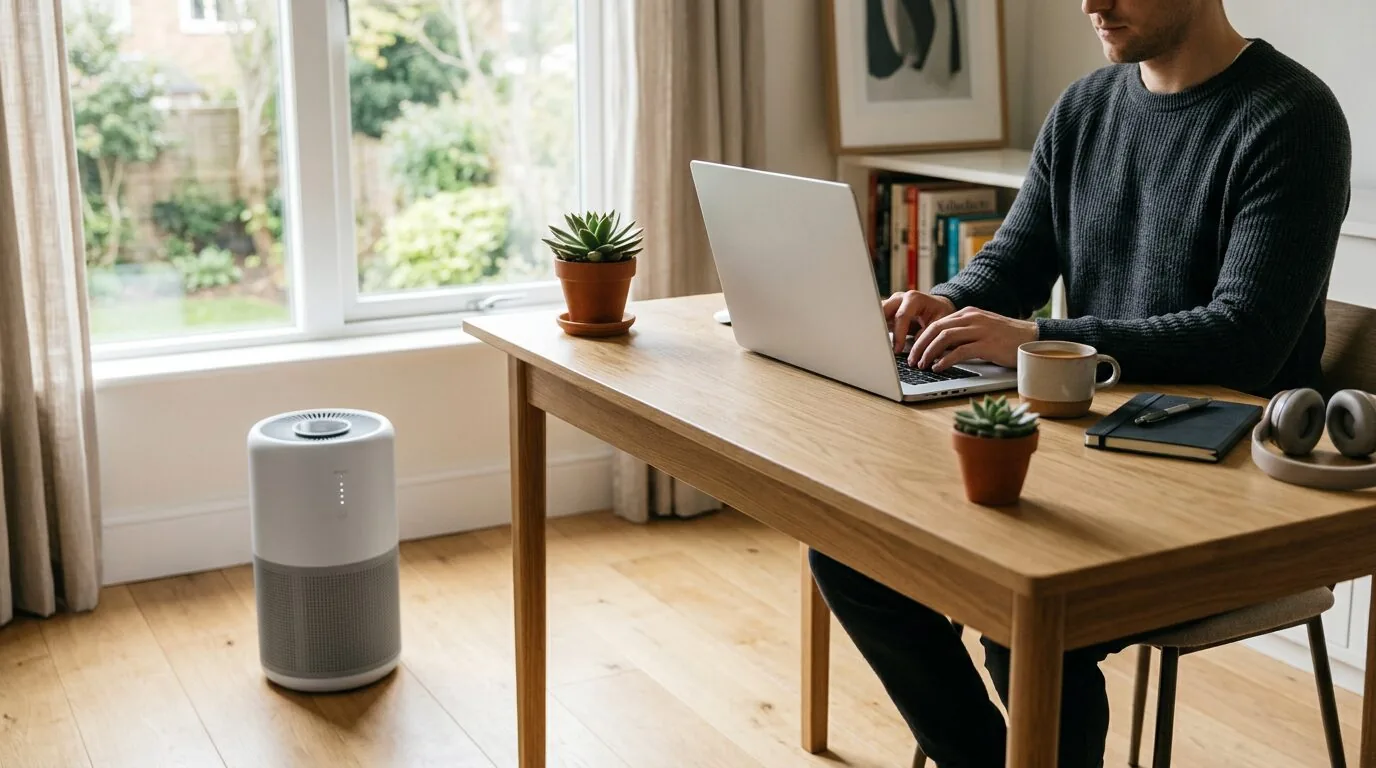
Yes, a quality air purifier can be a valuable investment for remote workers by reducing allergens, pollutants, and odors in your dedicated home office, which can lead to improved concentration, fewer headaches, and better respiratory health over long workdays.
Working from home offers flexibility but often comes with an overlooked challenge: indoor air quality. Your home office can accumulate dust, pet dander, pollen, and volatile organic compounds (VOCs) from furniture and electronics. These pollutants can trigger allergies, cause fatigue, and reduce cognitive function—exactly what you don’t need when trying to be productive.
This guide explains how air purifiers work to create a healthier workspace, what specific features benefit remote workers the most, and how to integrate one into your daily routine for maximum benefit.
Why Home Office Air Quality Matters for Remote Workers
When you work in an office building, air handling systems are designed to meet certain ventilation standards. At home, you’re in charge of the environment. Common indoor pollutants in a home office include:
- Particulate Matter (PM2.5/PM10): Dust from carpets, paper, and outdoor air; pet dander; and mold spores.
- Volatile Organic Compounds (VOCs): Off-gassing from new furniture, carpets, printers, and cleaning products.
- Carbon Dioxide (CO2): Buildup from exhaled breath in a poorly ventilated room, which can directly cause drowsiness and reduced focus.
- Odors: From cooking, pets, or stale air.
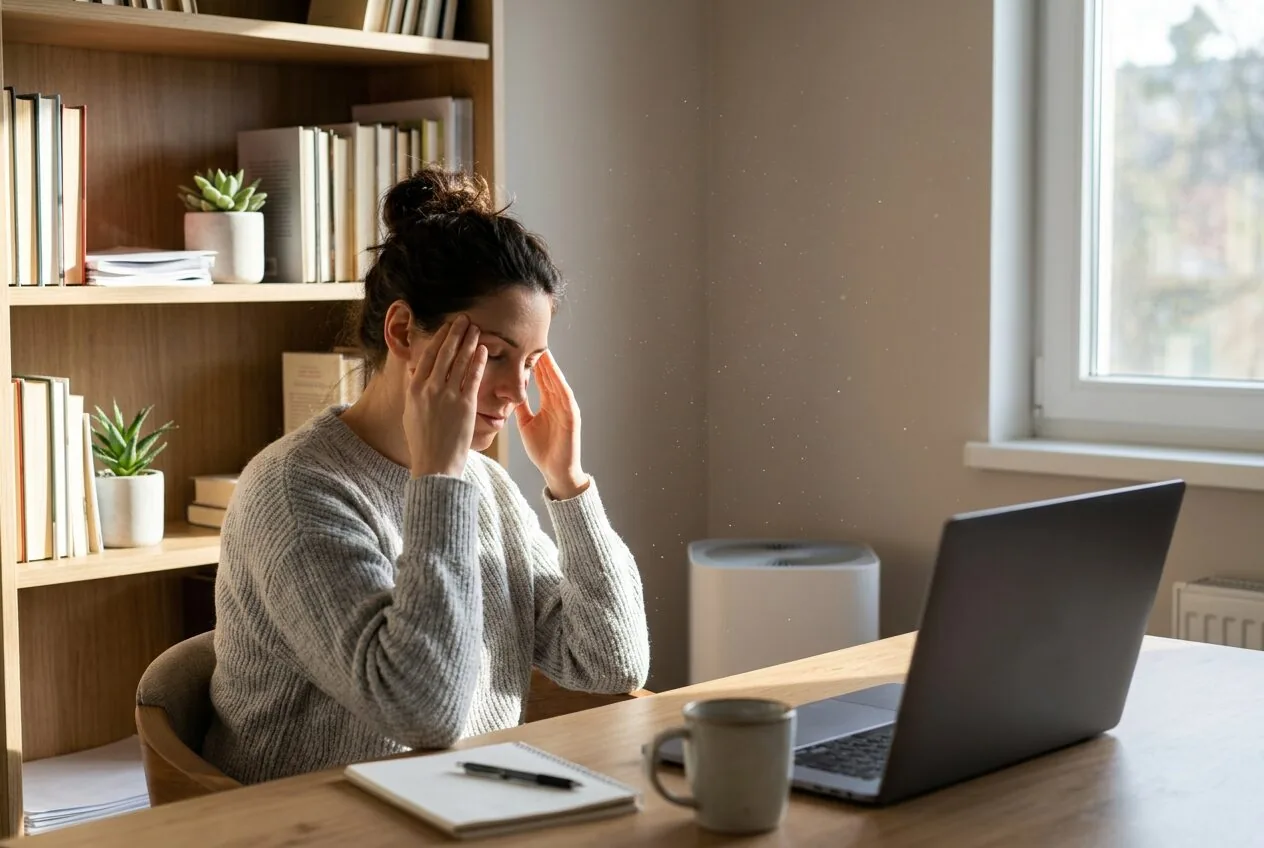
Prolonged exposure to these can lead to “sick building syndrome” symptoms at home: headaches, eye irritation, fatigue, and difficulty concentrating. Improving air quality isn’t just about health; it’s a productivity tool.
How an Air Purifier Creates a Better Workspace
A true HEPA air purifier acts as a dedicated filtration system for your workspace. It pulls in room air, passes it through a series of filters to capture pollutants, and circulates clean air back out. For remote workers, the benefits are tangible:
Reduced Allergens and Irritants
If you suffer from seasonal allergies or react to dust, a purifier with a HEPA filter can capture these microscopic particles, providing relief that allows you to focus on your work instead of your symptoms. This is a key part of long-term allergy management at home.
Odor and VOC Reduction
An activated carbon filter layer is essential for absorbing odors from last night’s dinner or VOCs from office materials. This keeps your workspace smelling neutral and fresh, minimizing distractions.
Improved Mental Clarity
By lowering the concentration of airborne irritants and ensuring better air circulation, many users report feeling more alert and experiencing fewer headaches, which is critical for maintaining productivity throughout the day.
Key Features to Look for in a Home Office Air Purifier
Not all air purifiers are equally suited for a home office environment. Here are the features that matter most for remote workers.
1. True HEPA Filtration
This is non-negotiable. A True HEPA filter captures 99.97% of particles as small as 0.3 microns, including dust, pollen, and mold spores. Avoid purifiers labeled “HEPA-type” or “HEPA-like,” as they are less effective.
2. Activated Carbon Filter
Look for a substantial carbon layer to tackle odors and VOCs. This is especially important if your office is near a kitchen or in a newer home with off-gassing materials.
3. Appropriate Room Size Coverage
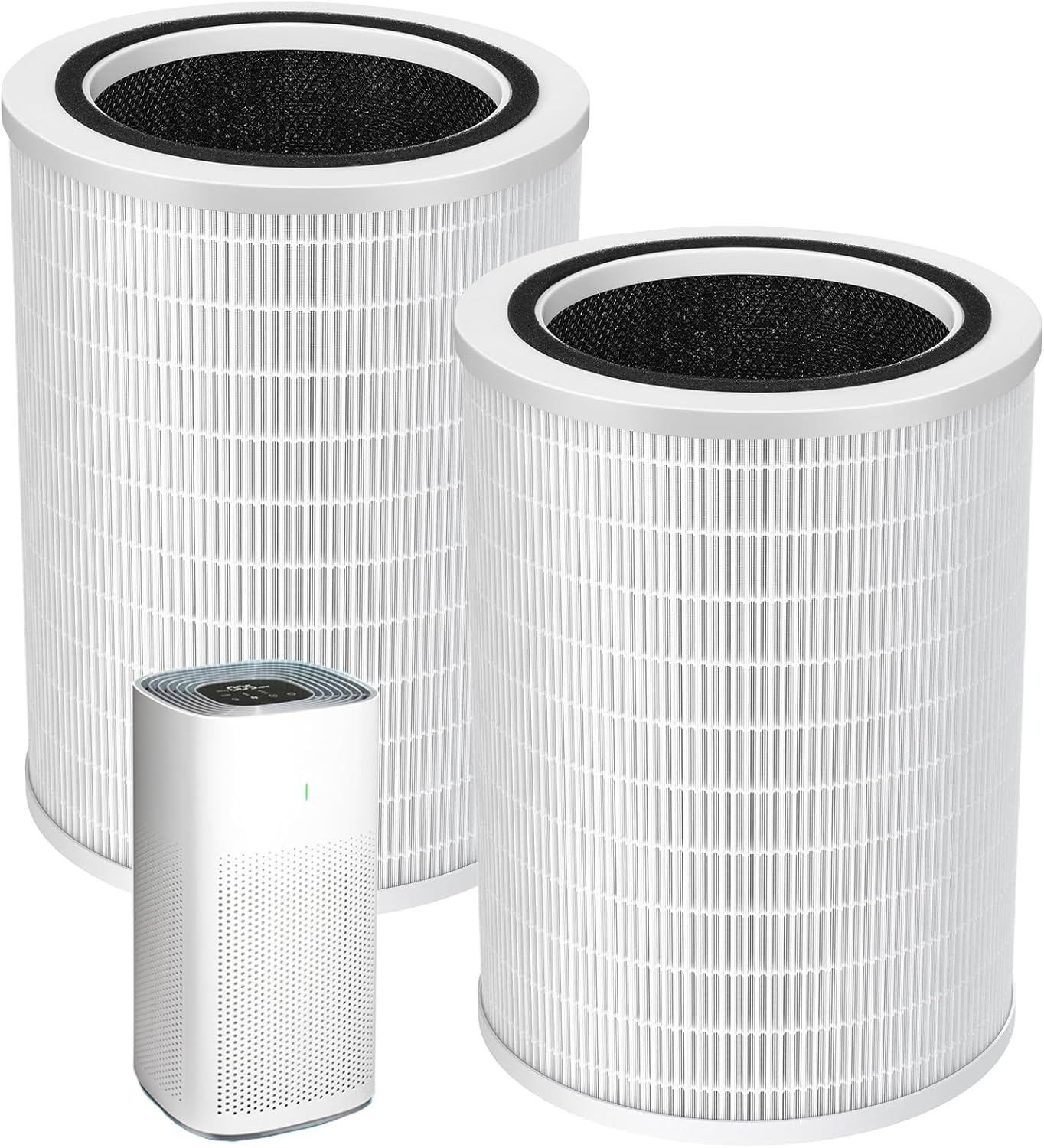
Match the purifier’s Clean Air Delivery Rate (CADR) and square footage rating to your actual office size. An undersized unit won’t be effective. For example, the KNKA Air Purifiers for Home Bedroom Up to 1,695 is rated for larger spaces, while the MOOKA Air Purifiers for Home Room up to 1076ft² suits medium-sized rooms.
4. Quiet Operation
Your purifier will run for hours. A quiet fan on low or medium settings is crucial for phone calls, video conferences, and concentration. Many models have a dedicated “sleep” or “quiet” mode. As we discuss in our guide on sleeping with an air purifier, low noise output is a key feature for any extended use.
5. Smart Features & Auto Mode
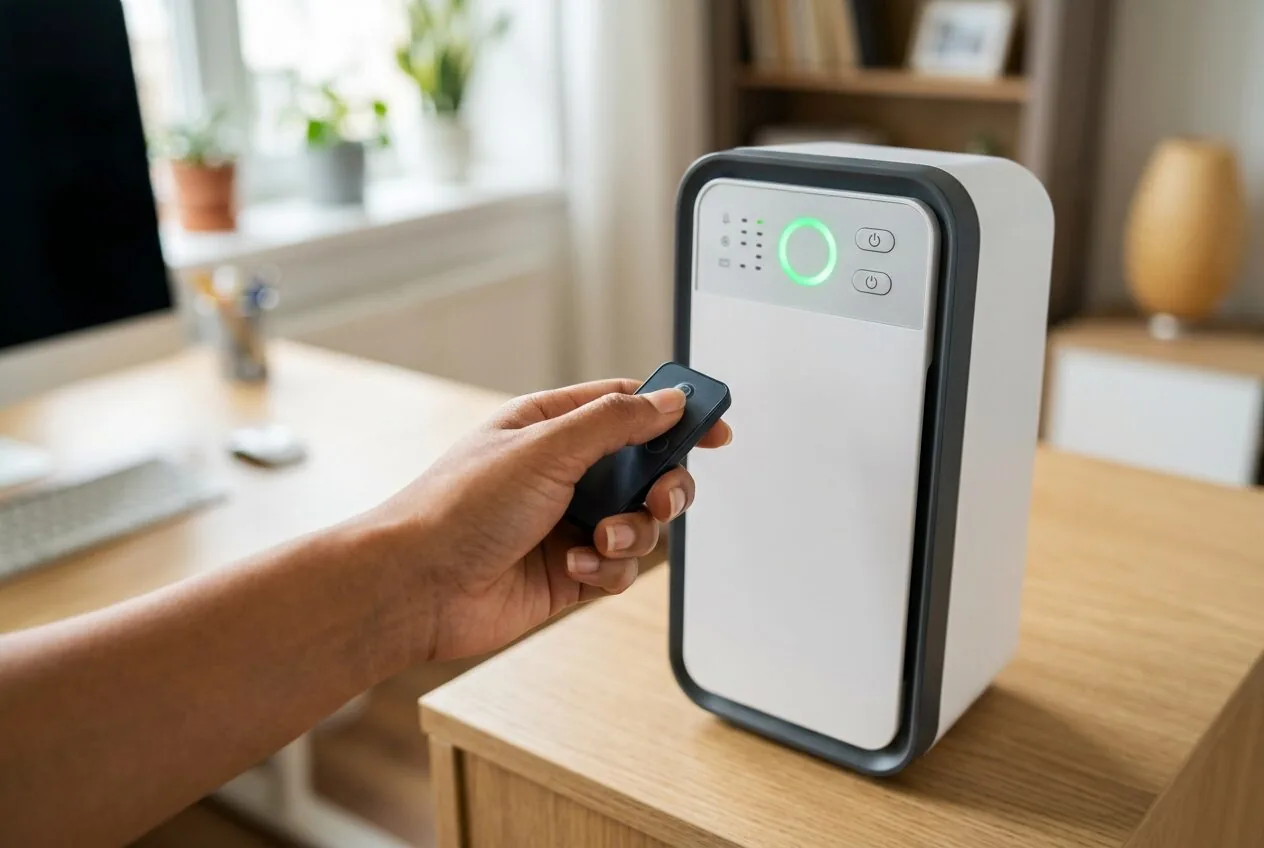
An air quality sensor and auto mode allow the purifier to adjust its fan speed based on real-time pollution levels. This is efficient and hassle-free. A model like the COWAY Air Purifier for Home Bedroom includes this feature, allowing it to respond automatically to changes in your office air.
Recommended Products for Your Home Office
Choosing the right air purifier depends on your room size and specific needs. The following selection includes models well-suited for creating a clean, focused workspace.

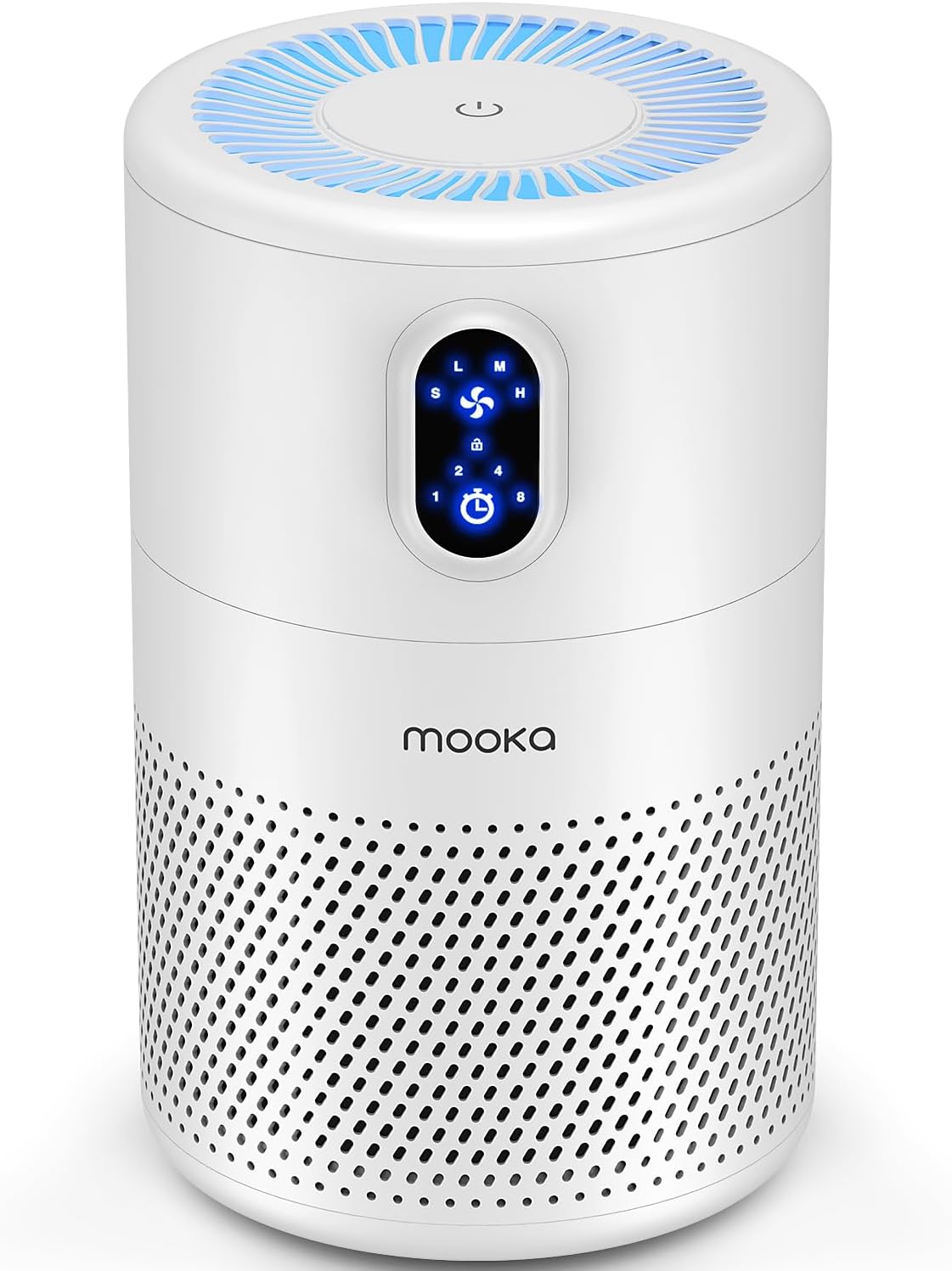

As an Amazon Associate we earn from qualifying purchases. Product prices and availability are accurate as of the date/time indicated.
Setting Up Your Air Purifier for Maximum Effect
Placement and usage habits are as important as the device itself.
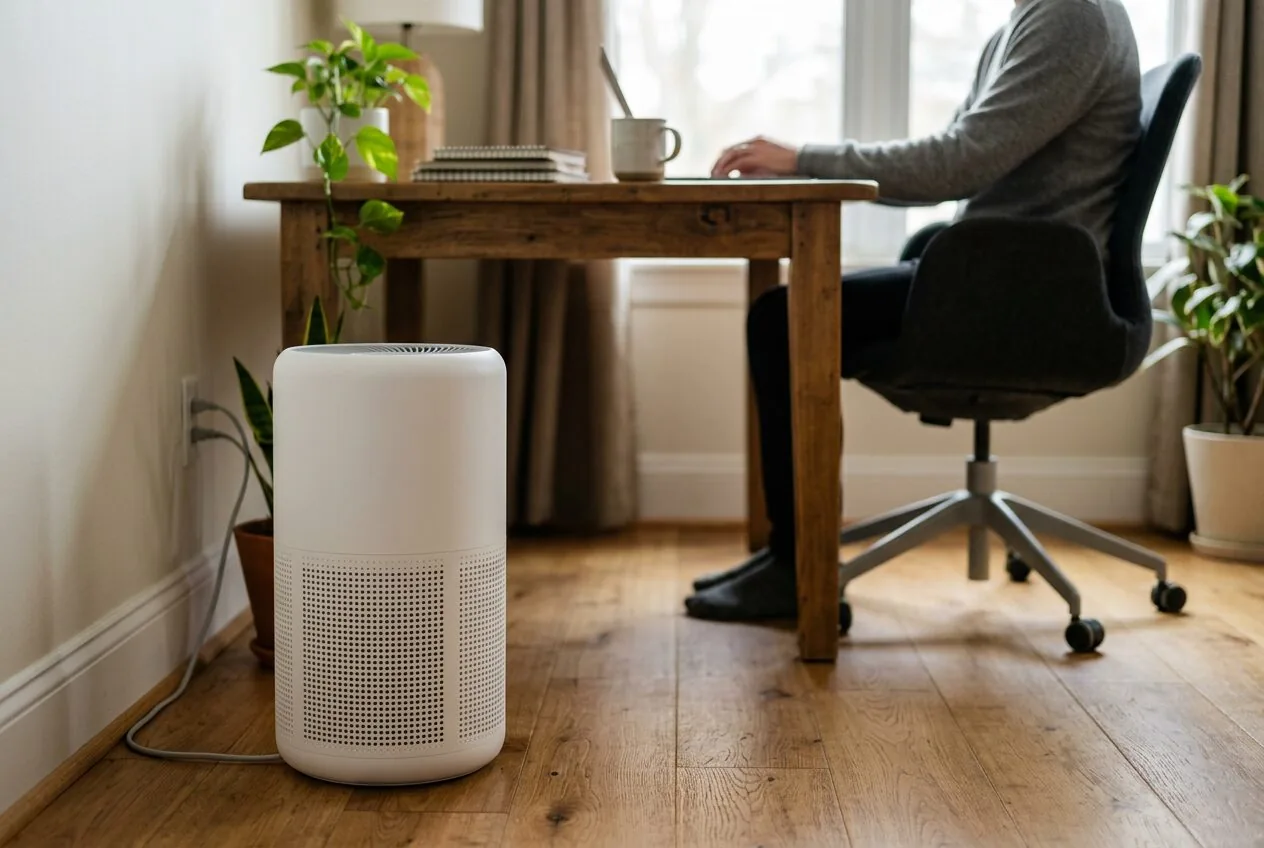
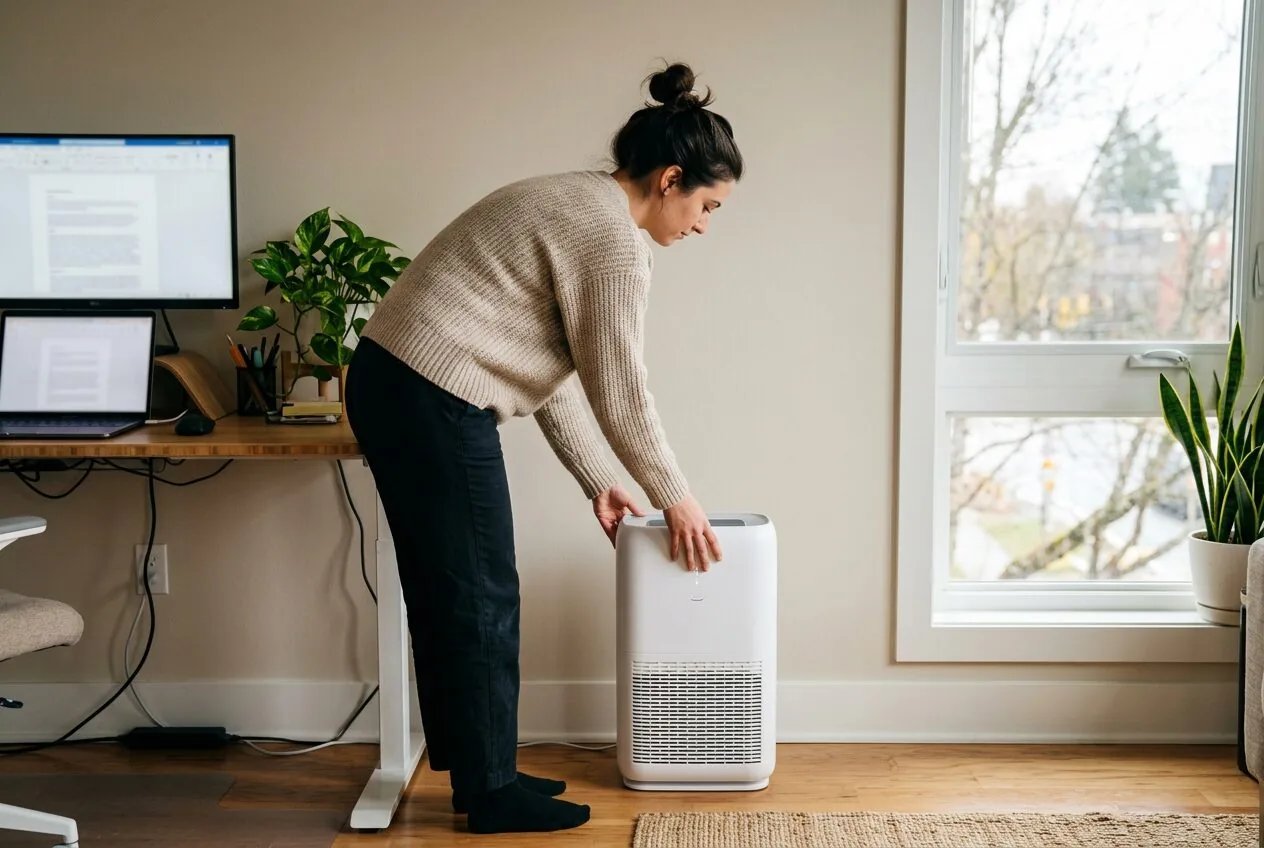
- Placement: Position the purifier a few feet away from walls and furniture to allow for unrestricted air intake. Avoid corners. The center of a wall is often ideal.
- Run Time: For best results, run the purifier continuously on a low or auto setting. It’s more effective at maintaining clean air than turning it on only when you notice a problem.
- Maintenance: Regularly vacuum the pre-filter (if washable) and replace the HEPA and carbon filters according to the manufacturer’s schedule. A clogged filter reduces efficiency and strains the fan. Using a compatible filter like the 12010 Replacement Filter for Clorox 11010 & 11011 ensures your purifier keeps performing as intended.
- Complement with Ventilation: An air purifier cleans existing air but doesn’t bring in fresh oxygen. Periodically open a window when outdoor air quality is good to reduce CO2 buildup and refresh the room, as part of good overall air circulation practices.
Frequently Asked Questions
Will an air purifier help with stuffiness in my home office?
Yes, but indirectly. An air purifier removes allergens and particles that can irritate your respiratory system, which may reduce the feeling of stuffiness. However, true stuffiness is often caused by high humidity or carbon dioxide levels. For CO2, opening a window is the most effective solution. A purifier with good air circulation can help mix the air, providing some relief.
How loud are air purifiers, and will they disrupt my calls?
Most modern air purifiers are very quiet on their lowest settings, often producing less than 25 decibels—quieter than a whisper. This should not disrupt calls. During auto mode, the fan may briefly speed up if it detects pollution, but this is typically short-lived. Look for models specifically noted for quiet operation.
Do I need an air purifier with an ionizer or UV-C light?
For most home offices, a standard HEPA and carbon filter system is sufficient and recommended. Ionizers can produce trace amounts of ozone, a lung irritant, and their added benefit for particle removal is debated. UV-C lights are designed to kill germs but are only effective if air dwells on the light for sufficient time; in most purifiers, air passes too quickly for significant disinfection. A good HEPA filter will capture viruses and bacteria effectively.
An air purifier with a HEPA filter can capture airborne virus particles, potentially reducing the concentration in the air and lowering the risk of transmission within a shared space. It is a supportive measure, not a replacement for good hygiene and isolation when someone is sick. For more on this topic, see our article on air purifiers and airborne viruses.
Filter life depends on usage and air quality. Most manufacturers recommend replacing HEPA and carbon filters every 6 to 12 months. Many units have a filter replacement indicator light. A heavily used purifier in a dusty environment or a home with pets may require more frequent changes. Always check your specific model’s manual.
Final Thoughts
For the remote worker, investing in a good air purifier is an investment in your work environment and well-being. By removing common indoor pollutants, it can help create a cleaner, more comfortable space that supports focus and health throughout your workday. The key is to select a model with True HEPA and carbon filtration that’s appropriately sized for your office and quiet enough for daily use.
Remember to pair your air purifier with other good practices like regular cleaning, occasional ventilation, and proper humidity control. Together, these steps ensure your home office isn’t just a place to work, but a place where you can work at your best. For more insights on managing your indoor environment during specific seasons, our guide on indoor air during flu season offers additional helpful tips.
About the author

admin writes reviews and buying guides for LAT Review.