Air Purifiers and Indoor Air Monitoring: A Complete Guide
Learn how pairing an air purifier with an indoor air quality monitor creates a complete system for managing the air you breathe, identifying problems, and verifying your purifier's effectiveness.
 By Sarah Jenkins
Updated October 17, 2026
By Sarah Jenkins
Updated October 17, 2026
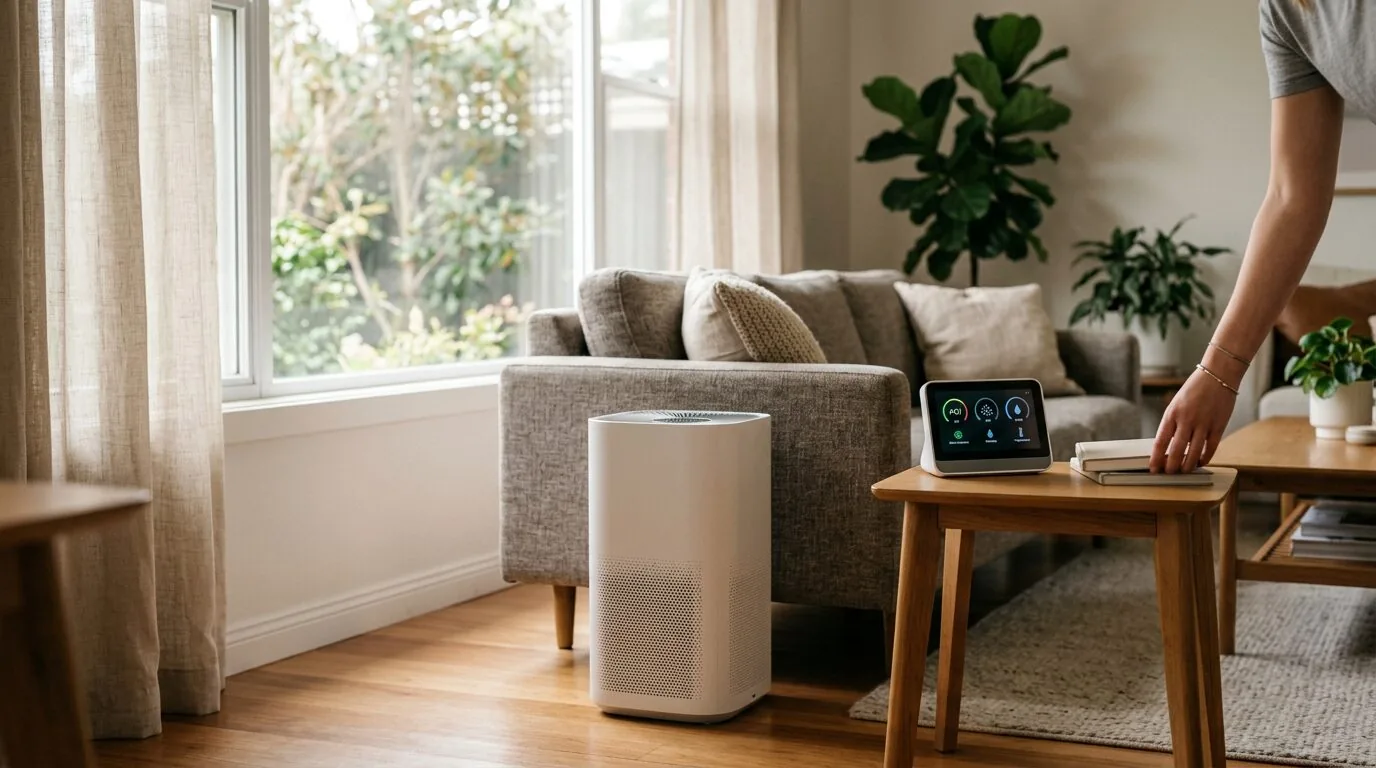
An air purifier works to clean the air, but an indoor air quality monitor tells you what’s in the air and how well your purifier is working. Together, they form a complete system for managing your indoor environment, allowing you to target specific pollutants, verify performance, and ensure you’re breathing the cleanest air possible.
Think of it like this: an air purifier is the “treatment,” while the monitor is the “diagnosis.” Without monitoring, you’re cleaning the air blindly, never truly knowing the levels of dust, volatile organic compounds (VOCs), or particulate matter you’re dealing with. This guide will explain how these two technologies work together, what to look for when choosing them, and how to use them effectively to improve your home’s air quality.
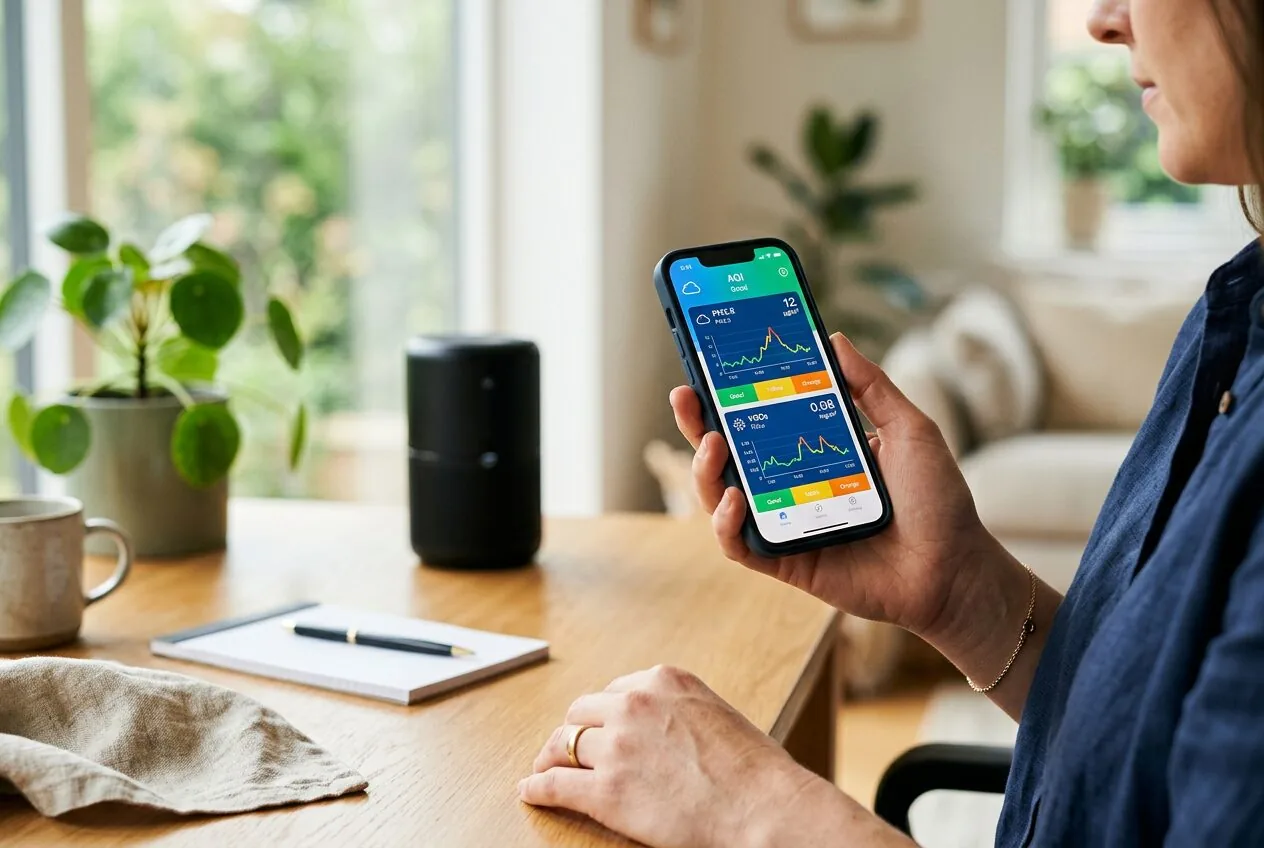
Why Monitoring Your Indoor Air Quality Matters
Indoor air can be up to five times more polluted than outdoor air, according to the EPA. Common pollutants include dust, pet dander, pollen, mold spores, VOCs from cleaning products and furniture, and gases like radon and carbon monoxide. Many of these are invisible and odorless, so you may have no idea they are present at harmful levels.
An air quality monitor acts as your eyes and nose for these invisible threats. It provides real-time data, which is crucial because air quality is dynamic. Cooking, cleaning, opening a window, or even just having people in a room can cause pollutant levels to spike. Monitoring helps you identify these patterns and sources, turning air quality management from a guess into a science.
How Air Purifiers and Monitors Work Together
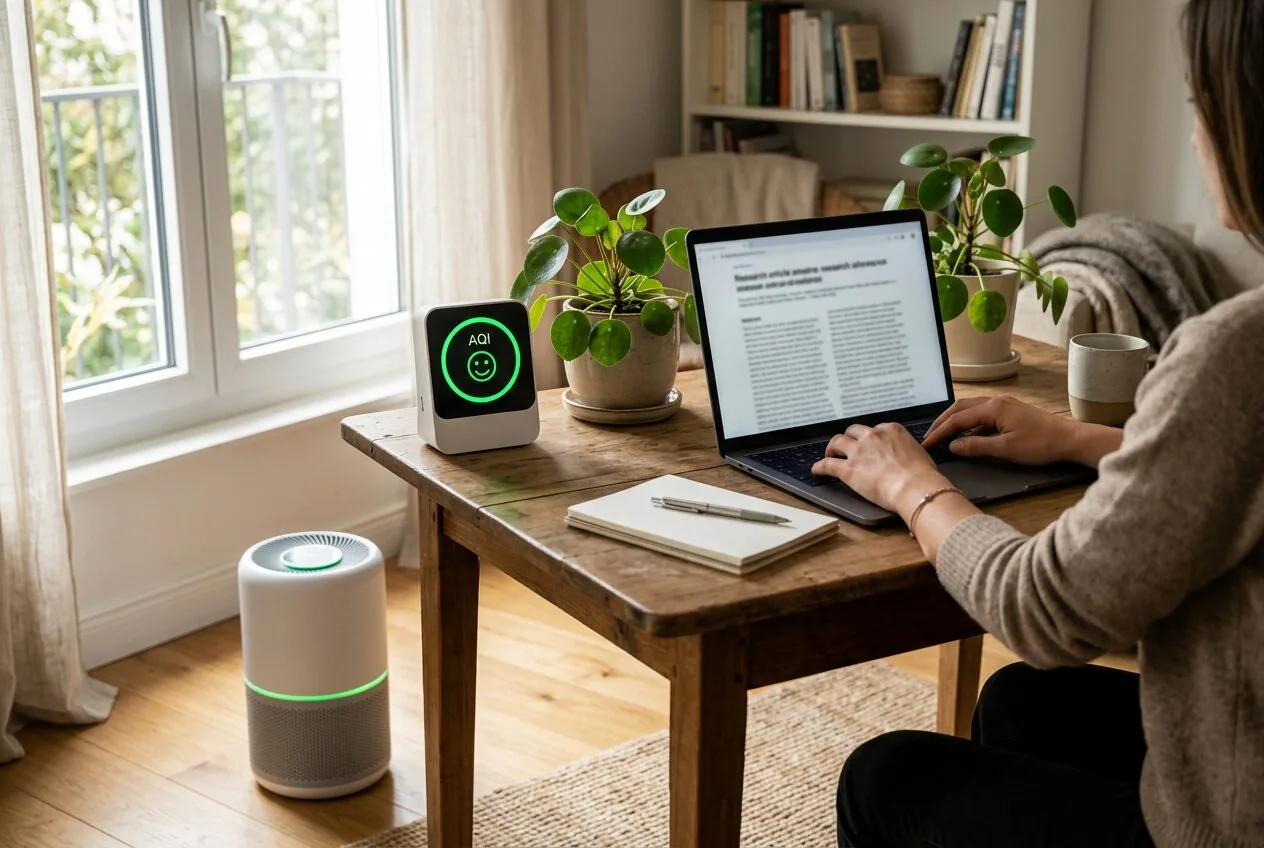
The synergy between an air purifier and a monitor creates a powerful feedback loop. The monitor detects a problem, and the purifier works to solve it. You can then use the monitor to confirm the purifier is effective. This partnership is especially valuable for several key functions.
1. Identifying Specific Pollutants
Not all air purifiers are created equal. Some excel at capturing particulate matter (PM2.5/PM10) like dust and allergens, while others are better at removing gases and odors with activated carbon. A good monitor will differentiate between these. If your monitor shows high VOC levels but low particulate matter, you know you need a purifier with a robust carbon filter, not just a high-CADR HEPA unit.
2. Verifying Purifier Performance and Placement
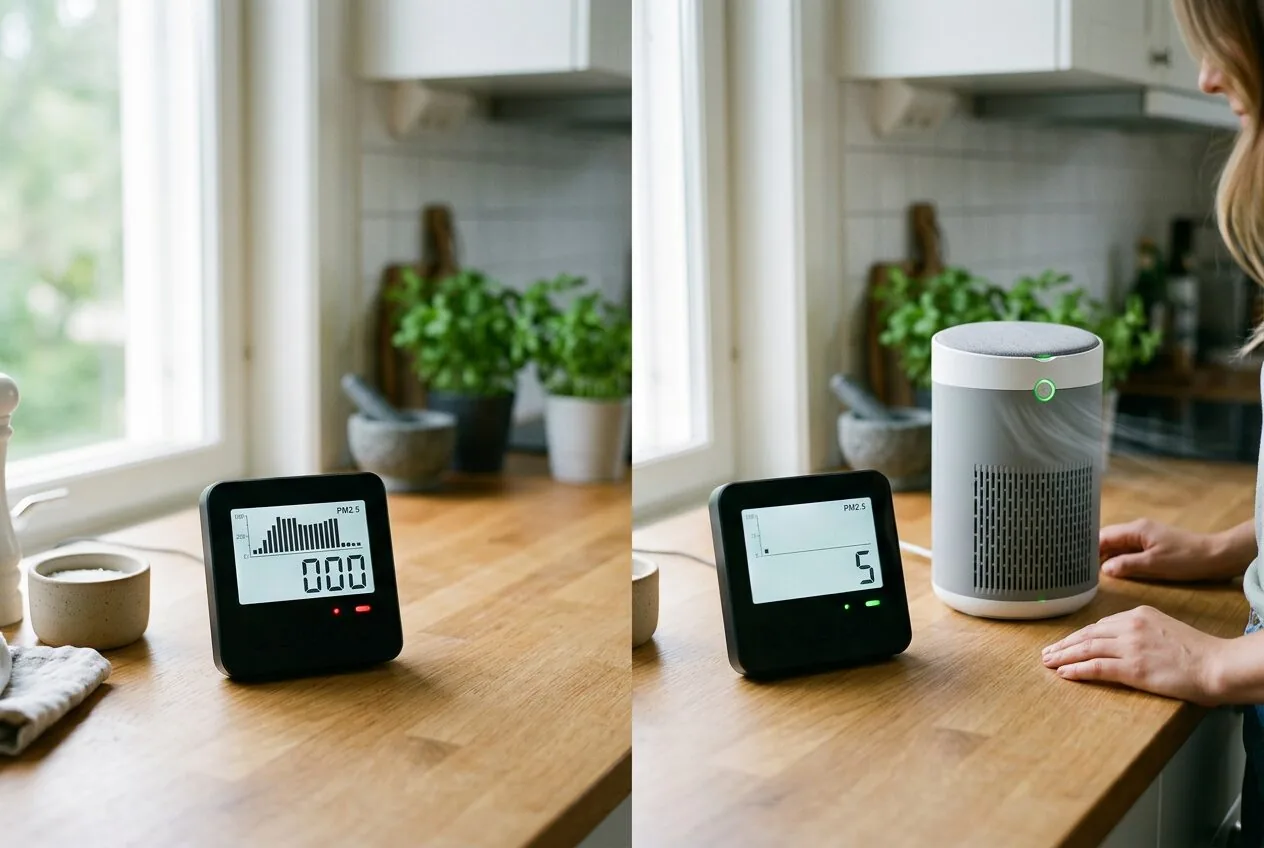
You buy an air purifier rated for a certain room size, but does it actually clean the air to the promised level? A monitor provides the proof. Place the monitor across the room from the purifier and run it on high. You should see a noticeable drop in particulate counts within 30-60 minutes if the purifier is effective for that space. This also helps you find the optimal placement for both devices.
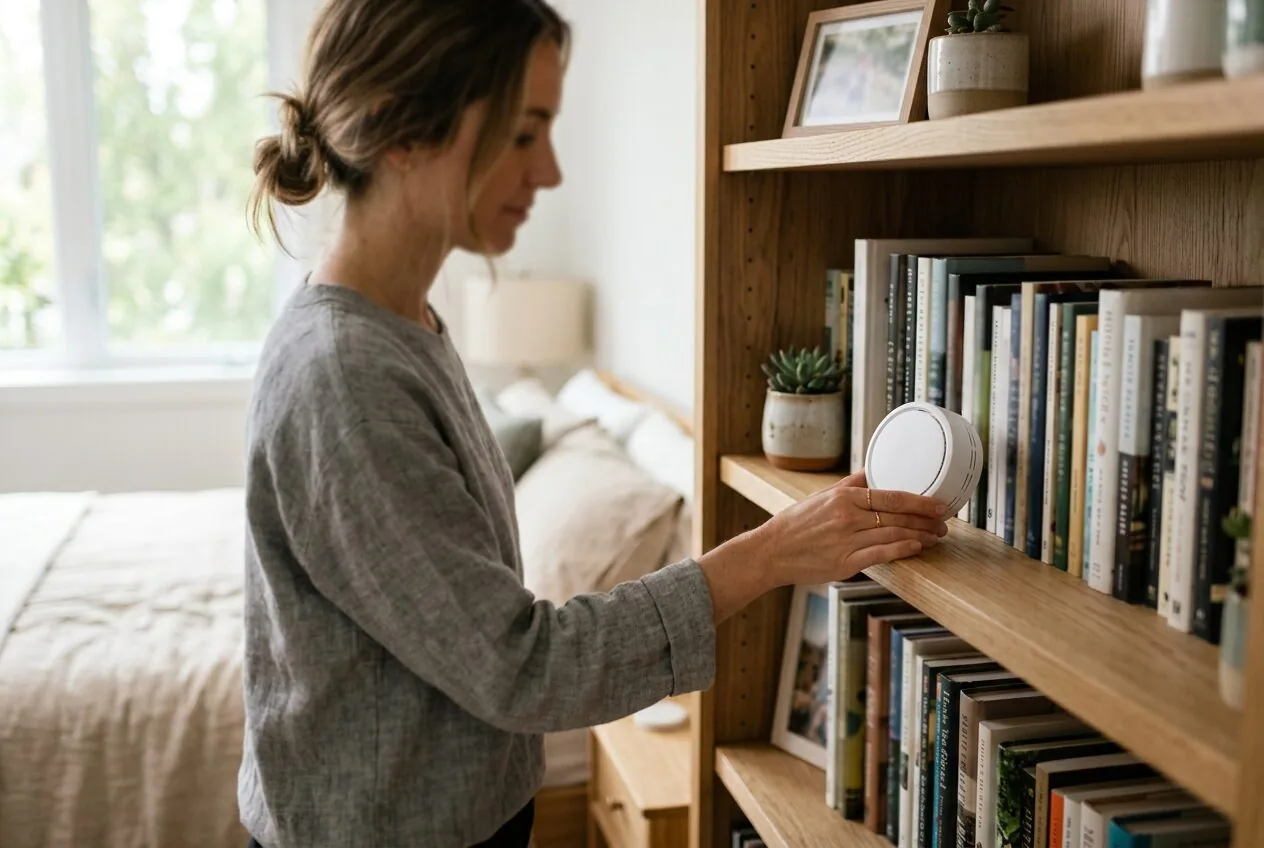
3. Automating Your Purifier
Many modern air purifiers and monitors can connect via smart home platforms or proprietary apps. This allows you to create automation rules. For example, you can set your purifier to automatically turn on to a higher speed when the monitor detects PM2.5 levels above a certain threshold, and turn back down once the air is clean. This saves energy and ensures the purifier runs only when needed.
4. Tracking Filter Life
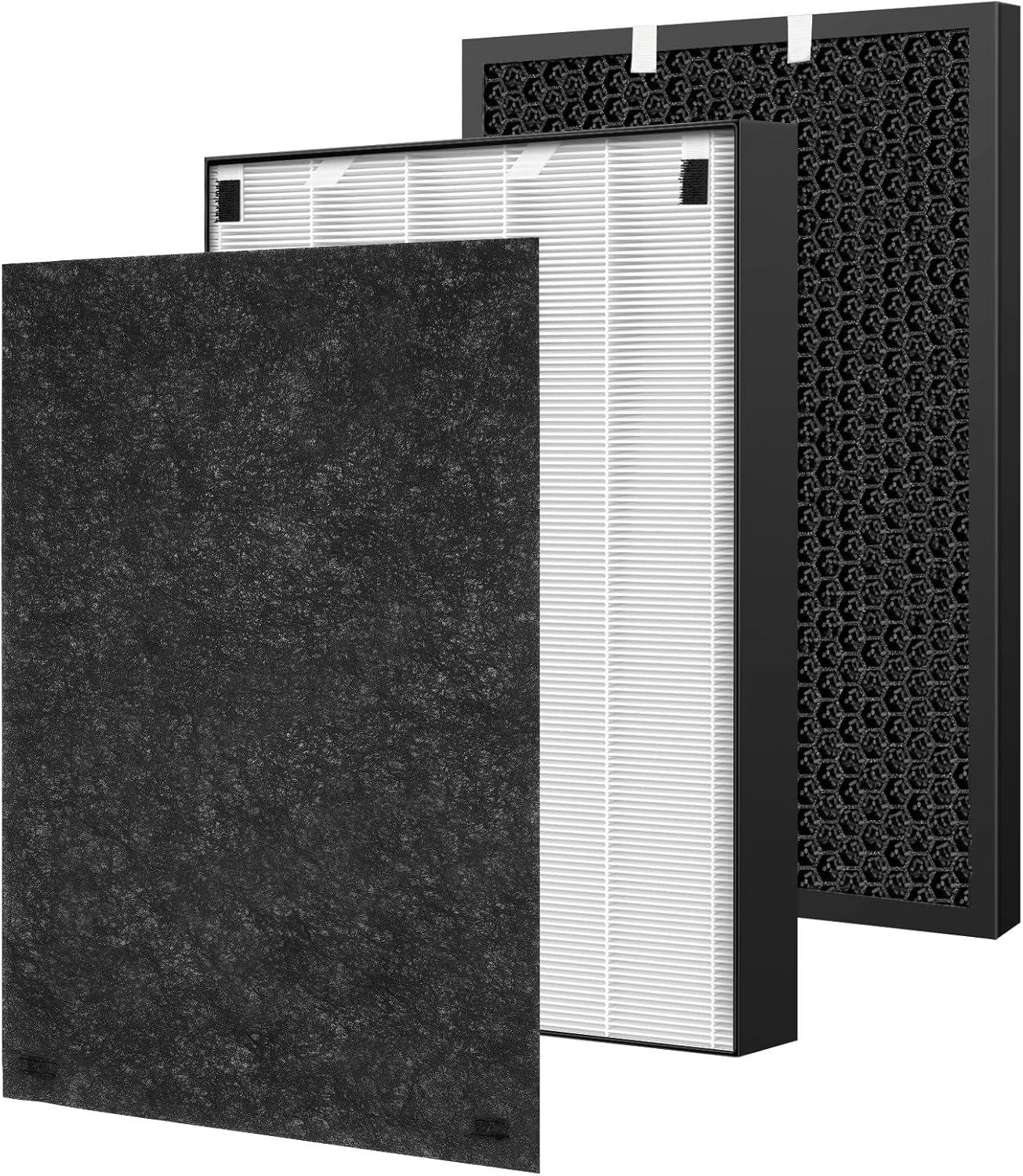
A clogged filter reduces an air purifier’s efficiency and can strain its motor. While most purifiers have a timer-based filter replacement indicator, a monitor provides a performance-based alert. If you notice it’s taking longer for your purifier to clean the air to the same level, or if baseline pollutant levels are creeping up, it’s a strong signal that the filter needs replacement. For popular models like the Bissell Air320, using a genuine Air 320 Filter Replacement for Bissell Air320 ensures optimal compatibility and filtration performance.
Key Features to Look For in an Air Quality Monitor
When selecting a monitor to pair with your air purifier, focus on the sensors it uses. The most useful monitors for home use will track several key metrics.
- Particulate Matter (PM2.5/PM10): This is the most important sensor for most homes. PM2.5 refers to fine inhalable particles, 2.5 micrometers and smaller, which pose the greatest health risk. A laser-based sensor is standard for accurate PM readings.
- Volatile Organic Compounds (VOCs): A metal-oxide semiconductor (MOS) sensor detects a wide range of organic chemicals from paints, cleaners, plastics, and cooking. This is key for overall air freshness.
- Temperature and Humidity: High humidity can promote mold growth. Monitoring this helps you manage your environment holistically.
- Data Display and Connectivity: Look for a clear display (often with color-coded air quality indices) and Wi-Fi/Bluetooth connectivity for data logging and smart home integration via an app.
Choosing the Right Air Purifier for a Monitored System
Once your monitor identifies your main air quality issues, you can choose a purifier with precision. Match the purifier’s strengths to your home’s specific pollutant profile.
- For High Particulate Matter (Dust, Allergens): Prioritize a True HEPA filter and a high Clean Air Delivery Rate (CADR) for smoke/dust/pollen. The filter is the heart of the system, and for models like many Guardian purifiers, a multi-pack like the 4 Pack FLT4825 HEPA Filter B Replacement offers cost-effective maintenance.
- For Gases and Odors (High VOCs): Look for a substantial activated carbon filter, often measured by weight (e.g., 2+ lbs of carbon). Thicker carbon beds absorb more gases for longer. Some purifiers also include specialized gas-phase filters.
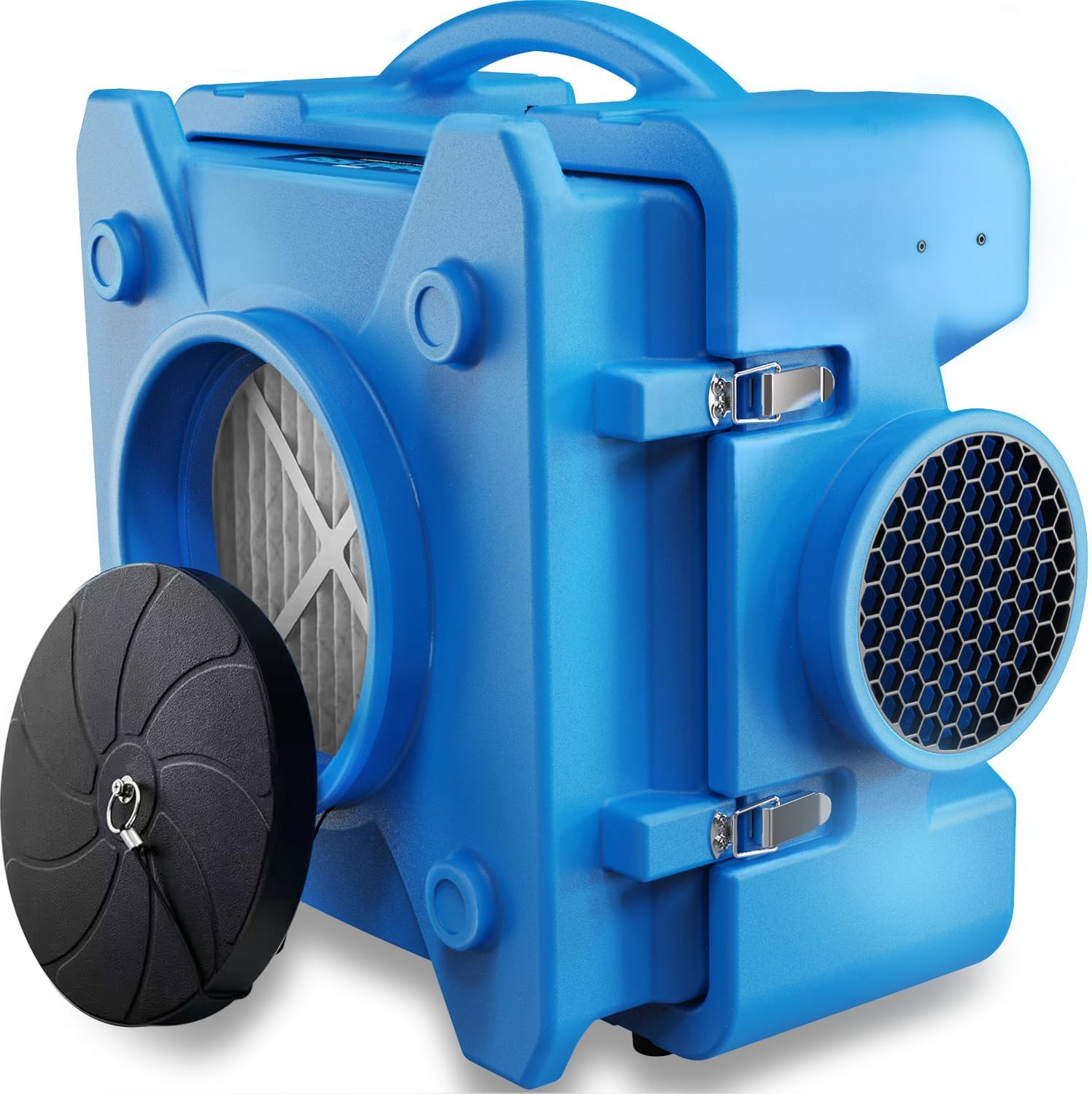
- For Large or Open Spaces: Ensure the purifier’s CADR and rated room size are sufficient. A model like the CADPXS Shield-550 Air Scrubber 550 CFM is designed for high air flow in larger areas, which a monitor can help validate.
- Smart Features: If you have a smart monitor, a purifier with auto mode that responds to sensor data (either its own built-in sensor or an external one) creates a seamless, hands-off system.
Setting Up Your Air Quality Management System
Proper placement is critical for both devices to work correctly together. Follow these steps to get started.
- Place the Monitor First: Put your air quality monitor in the breathing zone of the room you’re most concerned about (e.g., bedroom, living room), away from direct airflow from vents, windows, or the purifier itself. Let it collect data for 24-48 hours to establish a baseline.
- Analyze the Data: Use the monitor’s app to see what pollutants spike and when. Is PM2.5 high in the morning? Do VOCs rise during cooking?
- Place and Run the Purifier: Position your air purifier with intake and exhaust unobstructed, ideally in the center of the room or between pollution sources and the monitor. Turn it on high.
- Observe the Results: Watch the monitor’s readings. You should see a clear downward trend in the pollutants your purifier targets. This confirms its effectiveness for that space.
- Establish a Routine: Use auto mode if available, or set schedules based on your monitored patterns. Check the monitor’s data weekly to track long-term trends and filter performance.
Recommended Products for a Monitored Air System
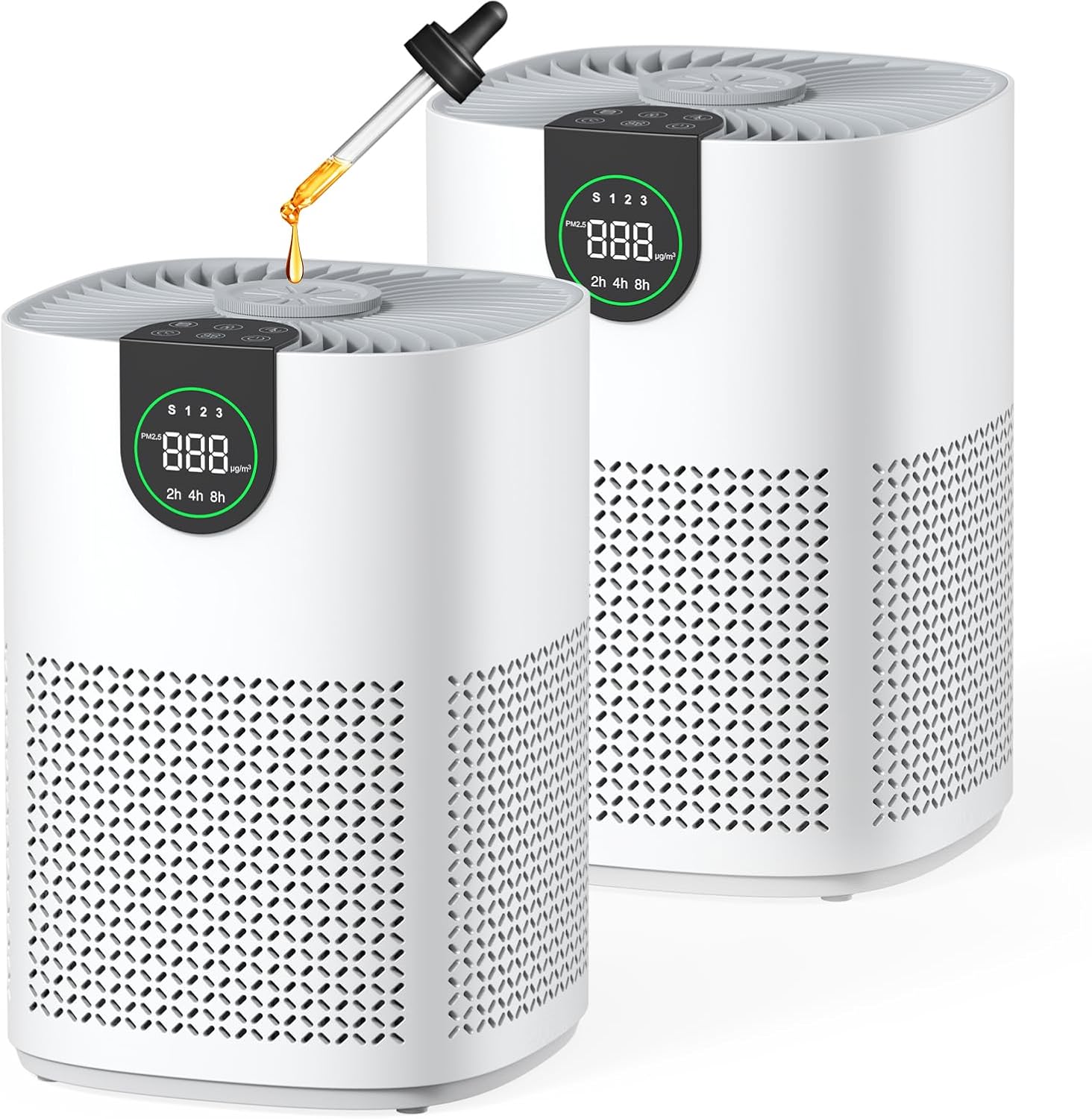
Building an effective air quality system starts with reliable components. The products below represent different points in the ecosystem, from affordable purifiers for targeted rooms to essential maintenance parts that keep your system running at peak efficiency based on the data from your monitor.


As an Amazon Associate we earn from qualifying purchases. Product prices and availability are accurate as of the date/time indicated.
Frequently Asked Questions
Do I need both an air purifier and a monitor?
While an air purifier alone is beneficial, a monitor transforms it from a passive appliance into an active management system. The monitor provides the data needed to use your purifier efficiently, confirm it’s working, and understand your home’s specific air quality challenges. For more on how purifiers target specific issues, see our guide on u003ca href=u0022https://airpurifierguides.com/air-purifiers-and-environmental-allergens/u0022u003eair purifiers and environmental allergensu003c/au003e.
Where is the best place to put an air quality monitor?
Place it in the room where you spend the most time, typically a bedroom or main living area, at breathing height (about 3-5 feet off the ground). Keep it away from direct drafts, moisture sources like humidifiers or kitchens, and the immediate exhaust of your air purifier to get a representative sample of the room’s overall air.
Can an air purifieru0026#039;s built-in sensor replace a standalone monitor?
Purifier sensors are convenient for triggering auto mode, but they are often less accurate and comprehensive than dedicated monitors. They typically only detect particulate matter for the auto function and may not measure VOCs, humidity, or provide detailed historical data and room-wide readings. A standalone monitor gives you a complete, independent picture.
How often should I check my air quality monitor?
Check it daily when you first set up your system to learn your home’s patterns. Once established, a weekly check of the app’s trends is sufficient for routine management. You should also check it after activities known to pollute, like cleaning, cooking, or painting, to see the impact and how long your purifier takes to clean the air.
What do I do if my monitor shows poor air quality but my purifier is running?
First, ensure the purifier is on the correct setting and its filter is not clogged. The purifier may be undersized for the room or the pollutant spike. Check for and eliminate the source if possible (e.g., open a window after cooking). It may also indicate that your purifier is not effective against the specific pollutant shown as high (e.g., high VOCs with a HEPA-only purifier). For broader strategies, our article on u003ca href=u0022https://airpurifierguides.com/how-air-purifiers-help-keep-indoor-air-fresh/u0022u003ehow air purifiers help keep indoor air freshu003c/au003e offers additional insights.
Final Thoughts
Pairing an air purifier with an indoor air quality monitor is the most intelligent approach to managing your home’s environment. It moves you from guessing to knowing, from running an appliance on a schedule to running a system based on data. The monitor illuminates the invisible problems, and the purifier provides the solution, creating a responsive and effective defense against indoor air pollution.
By investing in both, you gain peace of mind, optimize your purifier’s performance and filter life, and ultimately take concrete, data-driven steps to protect your health and comfort. Start by understanding your air with a monitor, then choose and validate your purification strategy. For further reading on the impact of air quality, explore our complete guide to air purifiers for everyday exposure to pollutants.
About the author
Lead content creator at AirPurifierGuides.com. Sarah is a senior product researcher in health-tech with years of experience testing smart home and HVAC devices. She writes most of our reviews, CADR comparisons, and filter analyses.