How to Choose the Best Air Purifier for Your Home Office
Learn the 5 essential steps to select an air purifier that improves air quality, reduces distractions, and boosts productivity in your home office.
 By Ethan Wright
Updated October 19, 2026
By Ethan Wright
Updated October 19, 2026
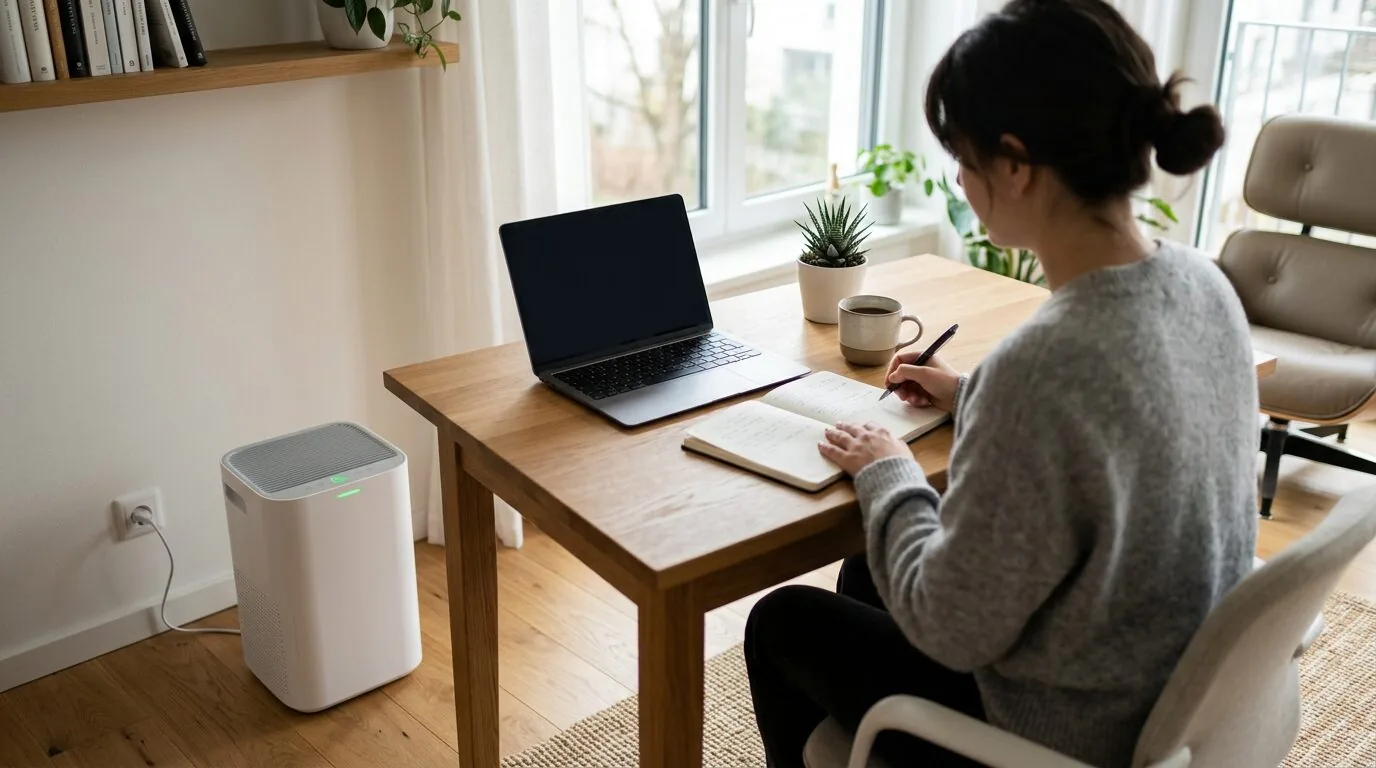
Choosing the right air purifier for your home office requires considering room size, noise levels, filter types, and smart features. This guide walks you through a simple 5-step process to find a unit that clears the air without disrupting your workflow.
Working from home has many benefits, but it can also mean dealing with stale air, dust, allergens, and even odors from your living space. An air purifier can significantly improve your indoor air quality, which is crucial for focus, health, and overall productivity. By the end of this guide, you’ll know exactly what to look for to find an air purifier that fits your specific home office needs.

What You’ll Need
- A tape measure or a rough idea of your room’s dimensions.
- Your home office’s average noise tolerance (considering calls and concentration).
- Knowledge of your primary air quality concerns (dust, pet dander, VOCs from furniture, etc.).
- Access to your power outlet locations and WiFi network.
- A budget range for the initial purchase and ongoing filter replacements.
How to Choose an Air Purifier for Your Home Office, Step by Step
Step 1: Measure Your Space and Match Coverage
The most critical first step is to measure your home office. Air purifiers are rated for a maximum room size, usually in square feet. To find your room’s square footage, multiply the length by the width. Always choose a purifier with a Clean Air Delivery Rate (CADR) or coverage rating that meets or, better yet, exceeds your room’s size. An undersized unit will be ineffective, while an oversized one may be unnecessarily expensive.
For example, a model like the Dr.Prepare Air Purifiers for Bedroom Large Room is rated for up to 3,000 ft², making it suitable for larger open-plan offices. For a standard 150-200 sq ft bedroom office, a unit with a 300-400 sq ft coverage would be more appropriate. Remember that an air purifier works best in an enclosed space with the door closed.
Step 2: Prioritize Quiet Operation for Focus
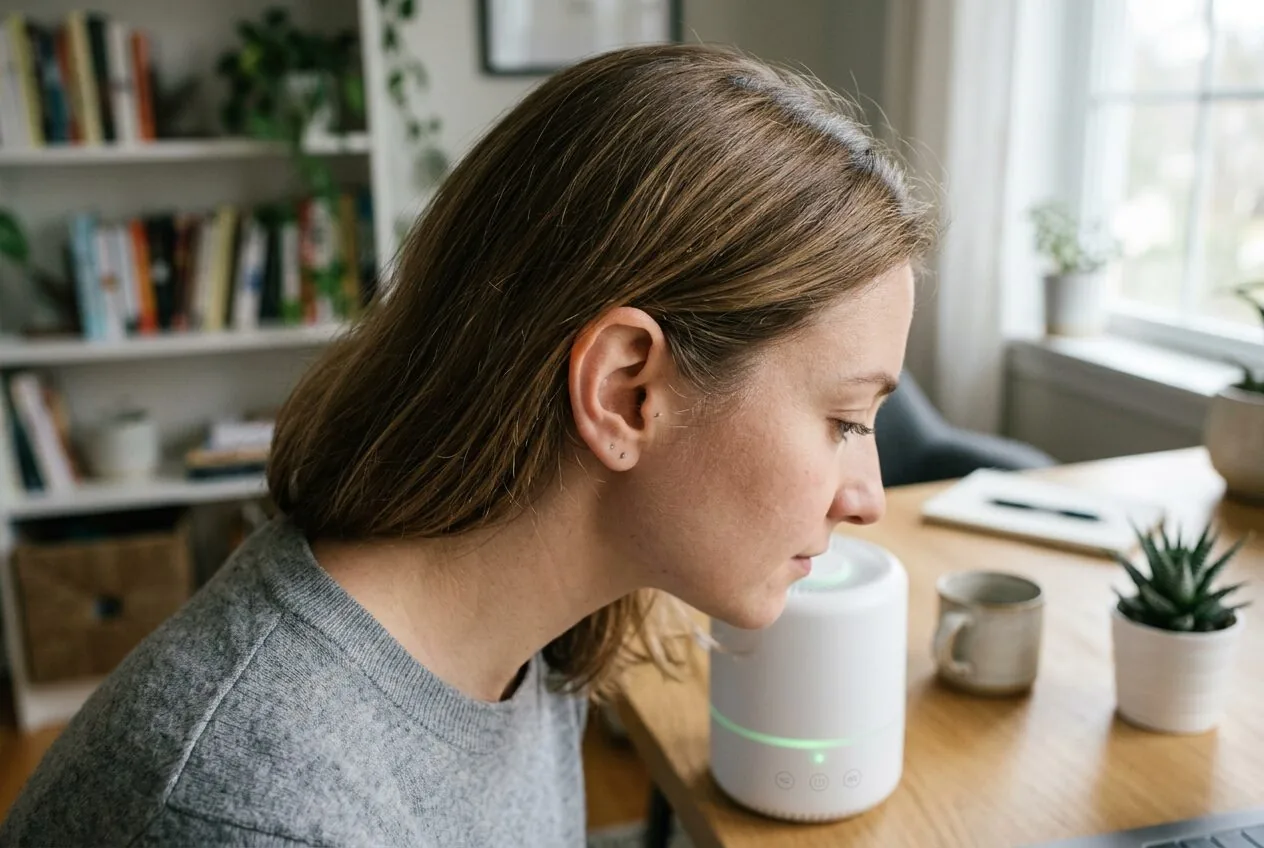
Noise is a major productivity killer in a home office. You need a purifier that can run quietly on its lowest setting, often called “sleep” or “quiet” mode, so it doesn’t distract you during focused work or video calls. Look for decibel (dB) ratings. A level around 20-30 dB is comparable to a whisper and is ideal for background operation.
Many modern purifiers, like the COWAY Air Purifiers for Home Up to 1,748 ft², feature an “Auto” or “Eco” mode that adjusts the fan speed based on air quality, running quietly when the air is clean and only ramping up when needed. This ensures efficiency without constant noise.
Step 3: Select the Right Filtration for Your Needs
Not all filters are created equal. Identify your main air quality concerns. For most home offices, a True HEPA filter is the gold standard for capturing 99.97% of particles as small as 0.3 microns, including dust, pollen, and pet dander. If you’re concerned about smells from cooking, VOCs from new furniture, or general odors, you’ll also want a substantial activated carbon filter.
A unit like the CleanForce Air Purifier for Large Room up to 2,250 combines an H13-grade HEPA filter with an activated carbon layer, tackling both particles and gases. For a deeper dive into filter types, check out our guide on HEPA vs activated carbon filters.
Step 4: Consider Convenience and Smart Features
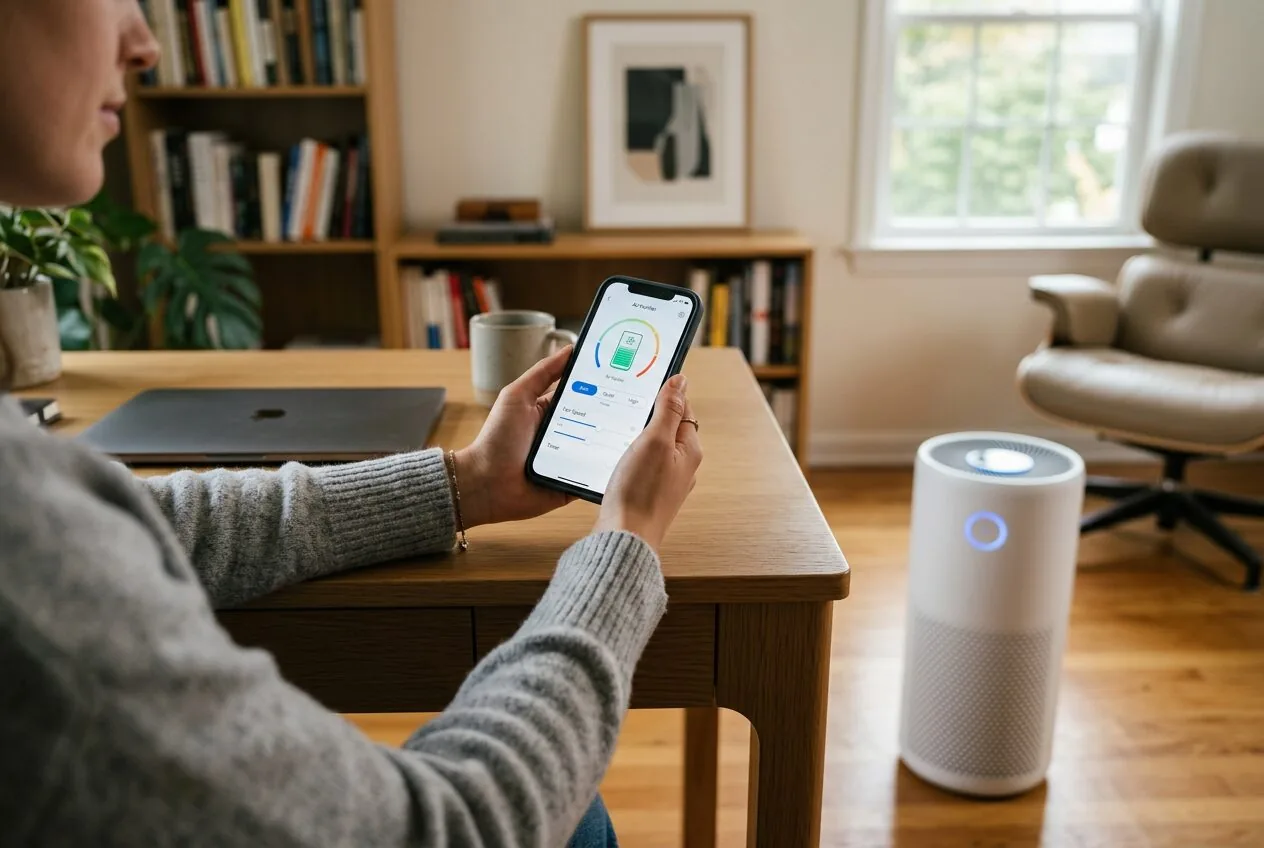
Convenience features can make your life easier. An air quality indicator light gives you visual feedback. A filter replacement indicator takes the guesswork out of maintenance. For a home office, smart features like app control or compatibility with voice assistants (Alexa/Google Assistant) allow you to adjust settings without leaving your desk, which is incredibly handy.
Some models, such as the Air Purifiers for Home Large Room with Remote, include a physical remote, offering similar convenience. Consider what level of control you want and whether integrating the purifier into your smart home ecosystem would be beneficial.
Step 5: Factor in Long-Term Costs and Placement
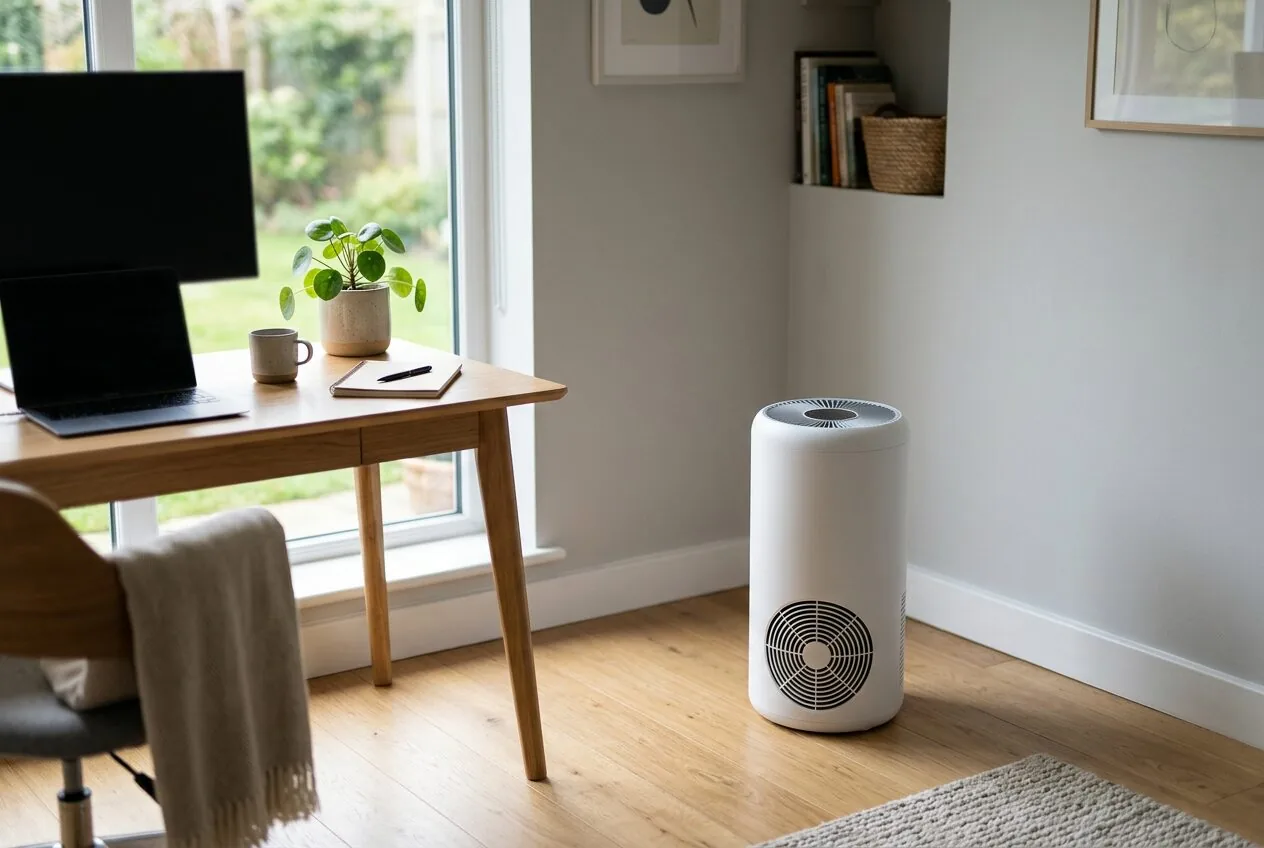
The purchase price is just the beginning. Check the cost and lifespan of the replacement filters. A unit with a washable pre-filter can save money in the long run. Also, plan where you’ll place the purifier. It should have a few feet of clearance on all sides, especially the air intake and output vents. Avoid tucking it into a corner or behind furniture, as this severely restricts airflow and effectiveness.
Place it in a central location if possible, or at least between your desk and the likely source of pollutants (like a door or window). For more on how pollutants behave indoors, see our article on why indoor air can be more polluted than outdoor air.
Recommended Products
The following air purifiers are well-suited for home office environments, balancing effective filtration with features that support a productive workspace.


As an Amazon Associate we earn from qualifying purchases. Product prices and availability are accurate as of the date/time indicated.
Common Mistakes to Avoid
- Ignoring Room Size: Buying a purifier rated for a room smaller than your office. It will run constantly at high speed and still not clean the air effectively.
- Overlooking Noise: Choosing a model that is too loud on its normal settings, disrupting calls and concentration.
- Forgetting Filter Costs: Falling for a low upfront price without checking the cost and frequency of filter replacements, which can add up quickly.
- Poor Placement: Sticking the purifier in a corner or behind a monitor, blocking airflow and drastically reducing its cleaning performance.
- Neglecting Maintenance: Not vacuuming the pre-filter or replacing the main filters on schedule, which clogs the unit and can even blow collected dust back into the room.
- Focusing Only on Particles: If you have odor issues, choosing a purifier with only a basic HEPA filter and no substantial carbon filter for gas and odor removal.
Frequently Asked Questions
Do air purifiers use a lot of electricity?
Most modern air purifiers are designed to be energy-efficient, especially on lower fan speeds. Models with an u0022Ecou0022 mode that automatically adjusts the fan or turns off when air quality is good use even less power. Running a purifier 24/7 typically costs less than running a standard incandescent light bulb.
Can an air purifier help with allergies while I work?
Yes, a purifier with a True HEPA filter can be very effective at removing common allergens like pollen, dust mites, and pet dander from your home office air, potentially reducing allergy symptoms. For a comprehensive look, read our guide u003ca href=u0022https://airpurifierguides.com/do-air-purifiers-help-with-seasonal-allergies/u0022u003eDo Air Purifiers Help With Seasonal Allergies?u003c/au003e.
How often do I need to change the filters?
It depends on usage and air quality, but most HEPA filters need replacement every 6 to 12 months. Pre-filters can often be vacuumed monthly. Always follow the manufacturer’s recommendations, and use the filter indicator if your model has one.
Should I run the air purifier all day?
For continuous clean air, it’s best to run your purifier consistently, ideally on a low, quiet setting. Air pollution (like dust settling) is a constant process, so turning the unit off allows contaminants to build up again.
Do I need an air purifier with an ionizer or UV light?
For most home offices, a good HEPA and carbon filter combination is sufficient. Ionizers can produce trace amounts of ozone, a lung irritant, and their added benefit for particle capture is debated. UV-C lights are effective against microorganisms but are generally not necessary for typical home office environments.
Final Thoughts
Selecting the right air purifier for your home office is an investment in your health, comfort, and productivity. By carefully following the steps to match coverage, prioritize quiet operation, choose the correct filtration, and plan for placement and costs, you can find a unit that seamlessly integrates into your workspace. The goal is to breathe cleaner air without even noticing the machine is there, allowing you to focus entirely on your work.
A well-chosen air purifier does more than just clean the air; it creates a more pleasant and professional environment, whether you’re on a video call or deep in a project. Start by measuring your space and considering your biggest air quality concerns, and you’ll be well on your way to making a confident choice.
About the author
Founder of AirPurifierGuides.com. Ethan has a background in environmental science and started this site after years spent researching, testing, and tearing down air filtration systems to give readers real-world answers about indoor air quality.